
Android keyboard · user guide
A keyboard in the colours of your launcher
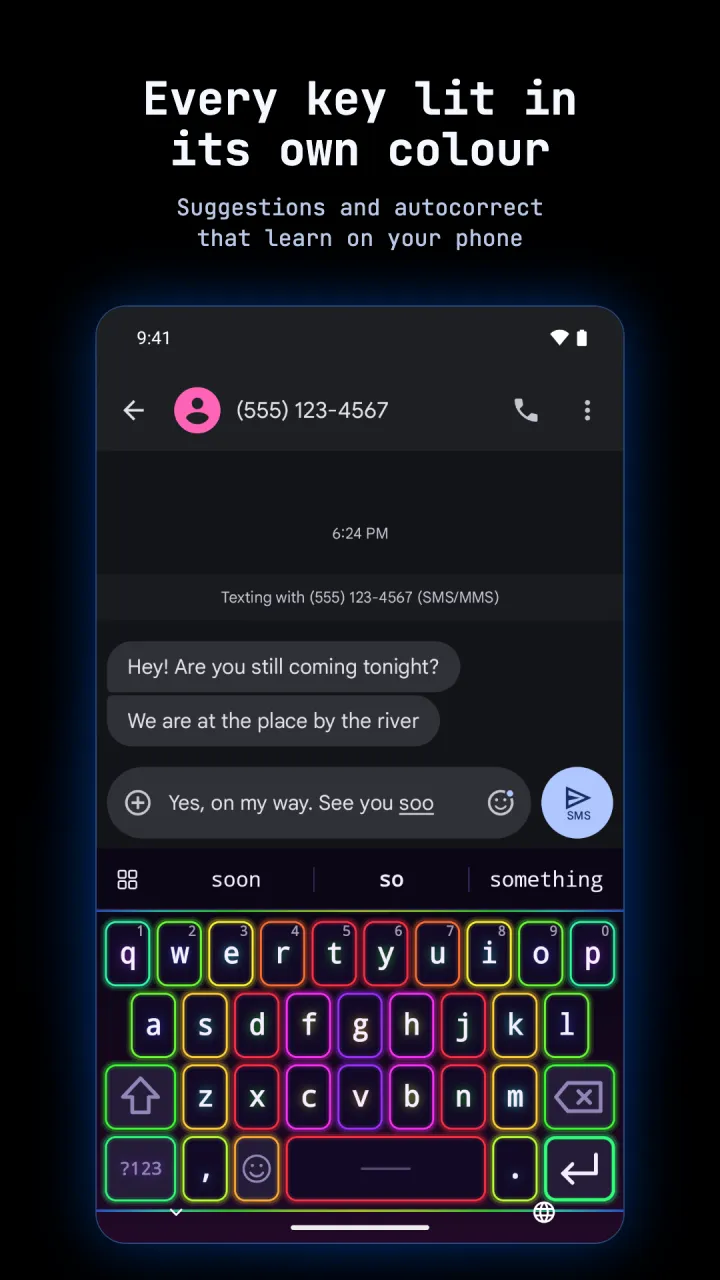
Keyglow is a keyboard that glows. Every key is lit from below in its own colour, like an RGB gaming keyboard. With Hyprtile or Phosphor as your home screen, Keyglow takes the theme you use there, and follows it when you change it.
- 23 languages
- Glide typing
- No internet permission
- RGB backlight
This is the guide and the place to report bugs and ask for features. The app itself is on Google Play.
what it is
A full keyboard: suggestions, autocorrect, glide typing, emoji, clipboard and an edit panel. Its look comes from your launcher: tiles with gaps and gradient borders with Hyprtile, glowing terminal text with Phosphor. Without either launcher, pick a look and one of 84 themes by hand.
lighting
A flow in your theme's colours, rainbow, breathe or steady, with LED strips along the edges. Pick the direction, speed and brightness.
typing help
Suggestions, next word prediction, autocorrect from off to strong, glide typing and your own text shortcuts.
keys
Five layouts, a number row and a terminal row, split keys on a wide screen and one handed mode on a phone.
private
No internet permission, and one permission only: vibration, for the key buzz. What it learns stays in its own private files on your phone.
screenshots
Scroll sideways for more.
every key lit in its own colour 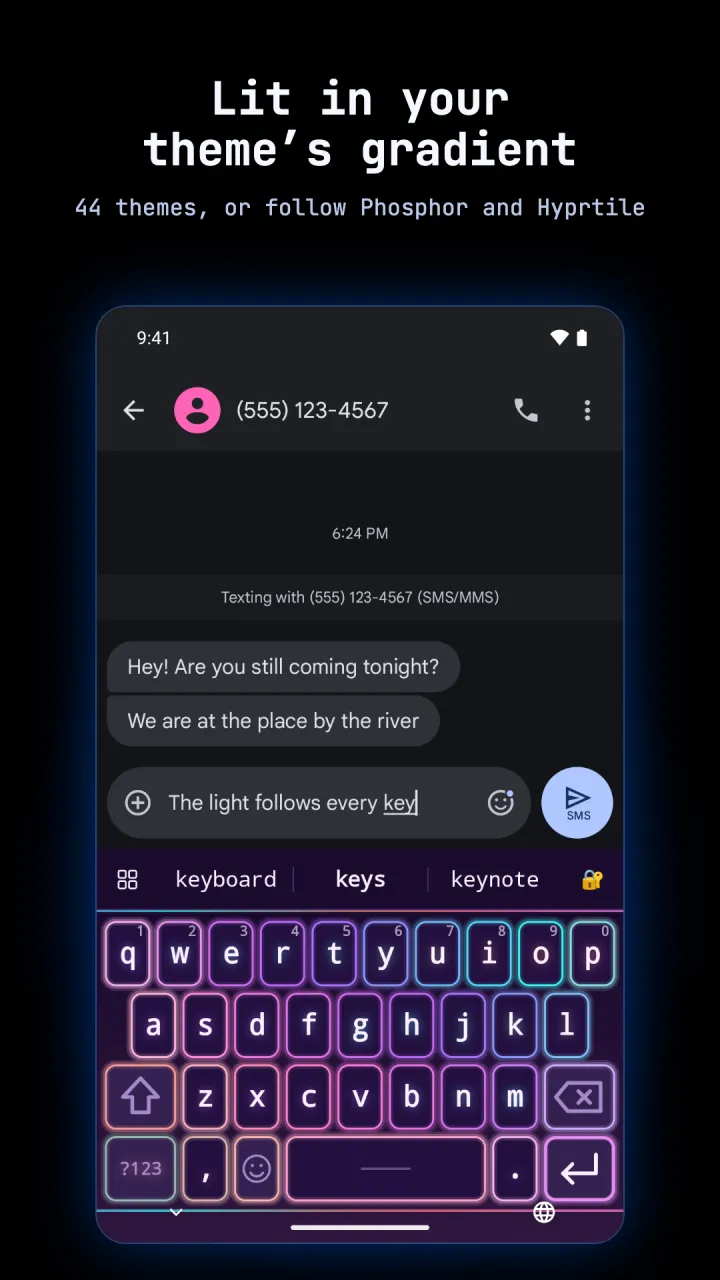
the tiled look in synthwave 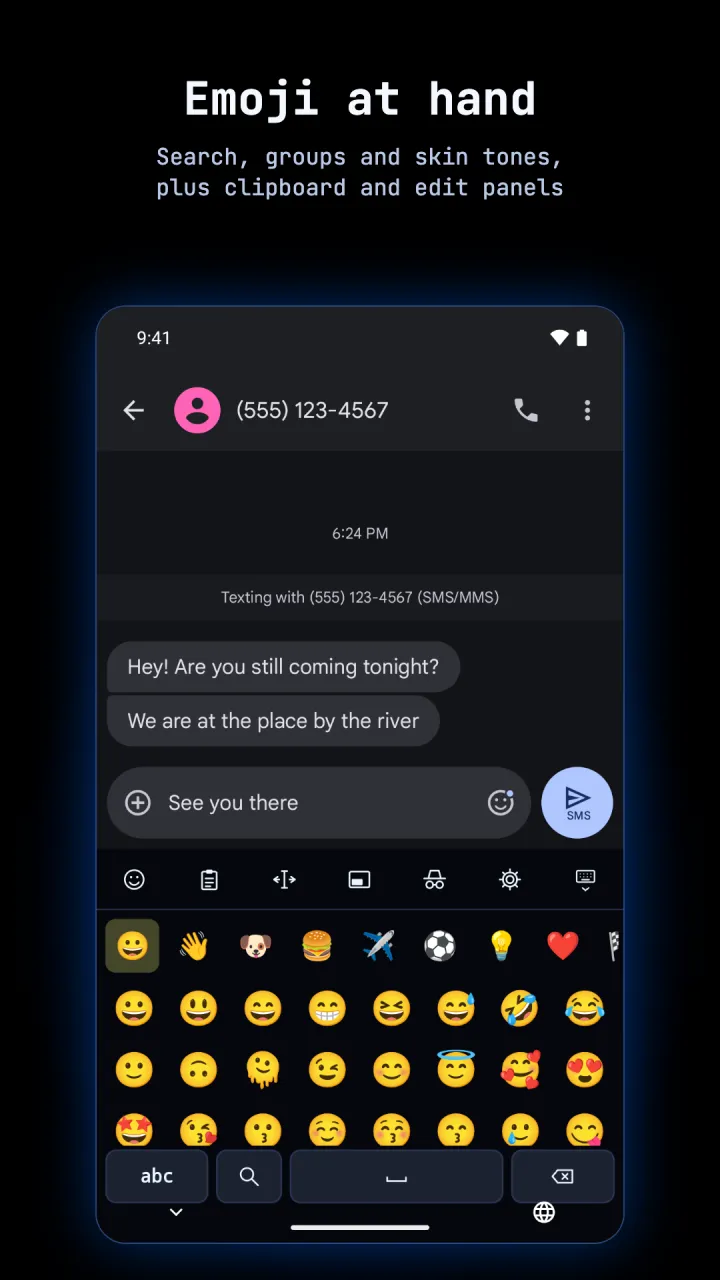
emoji panel 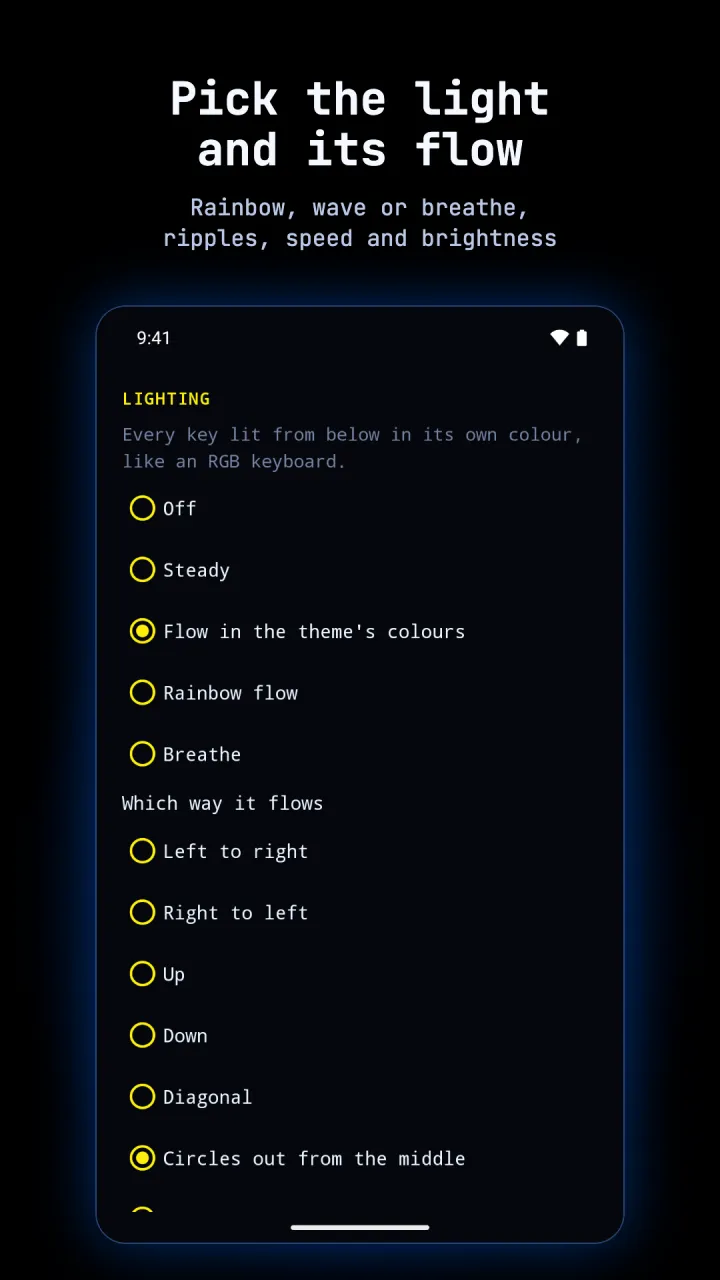
lighting settings 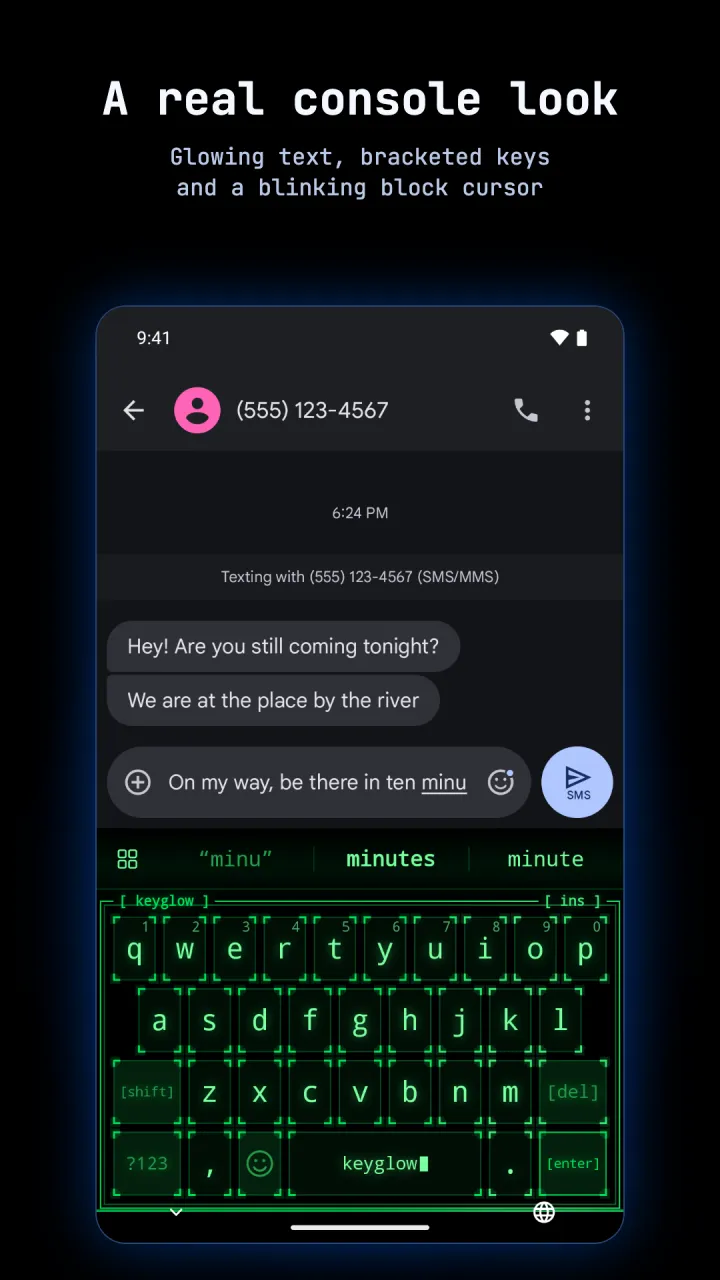
the terminal look, from Phosphor 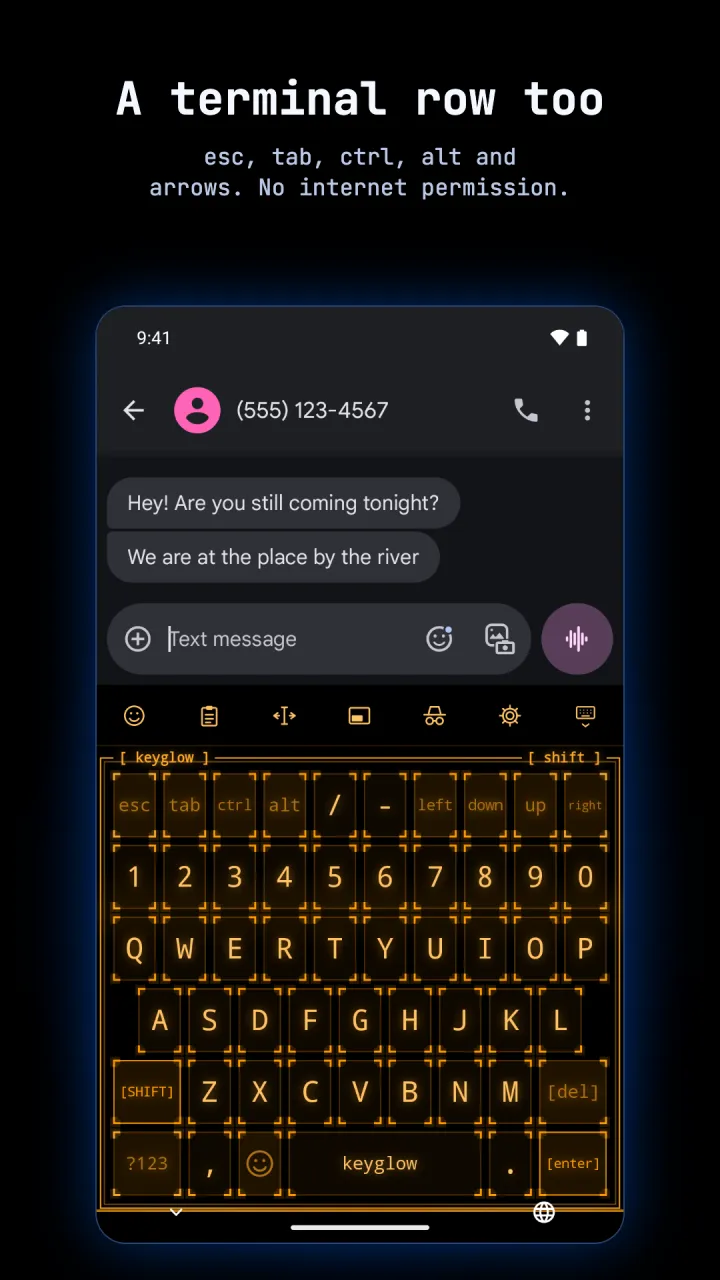
terminal row and number row 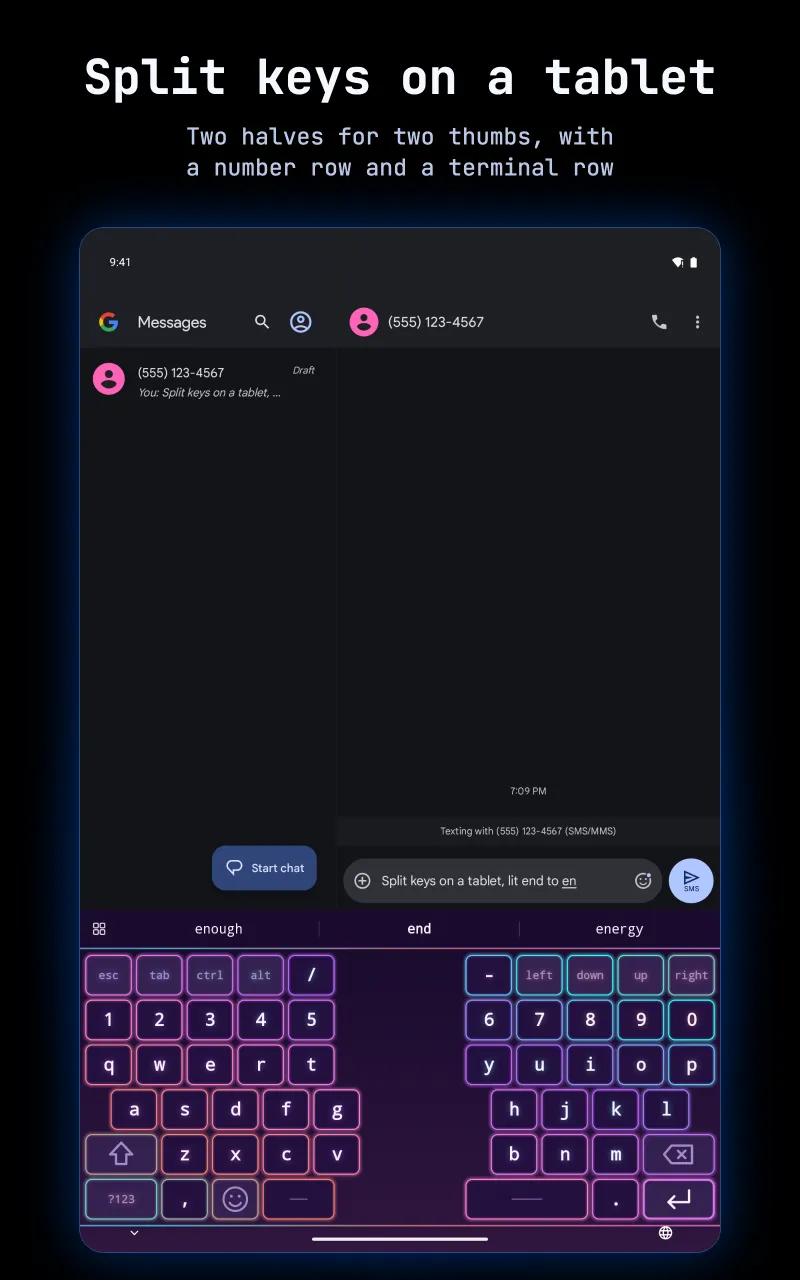
split keys on a tablet 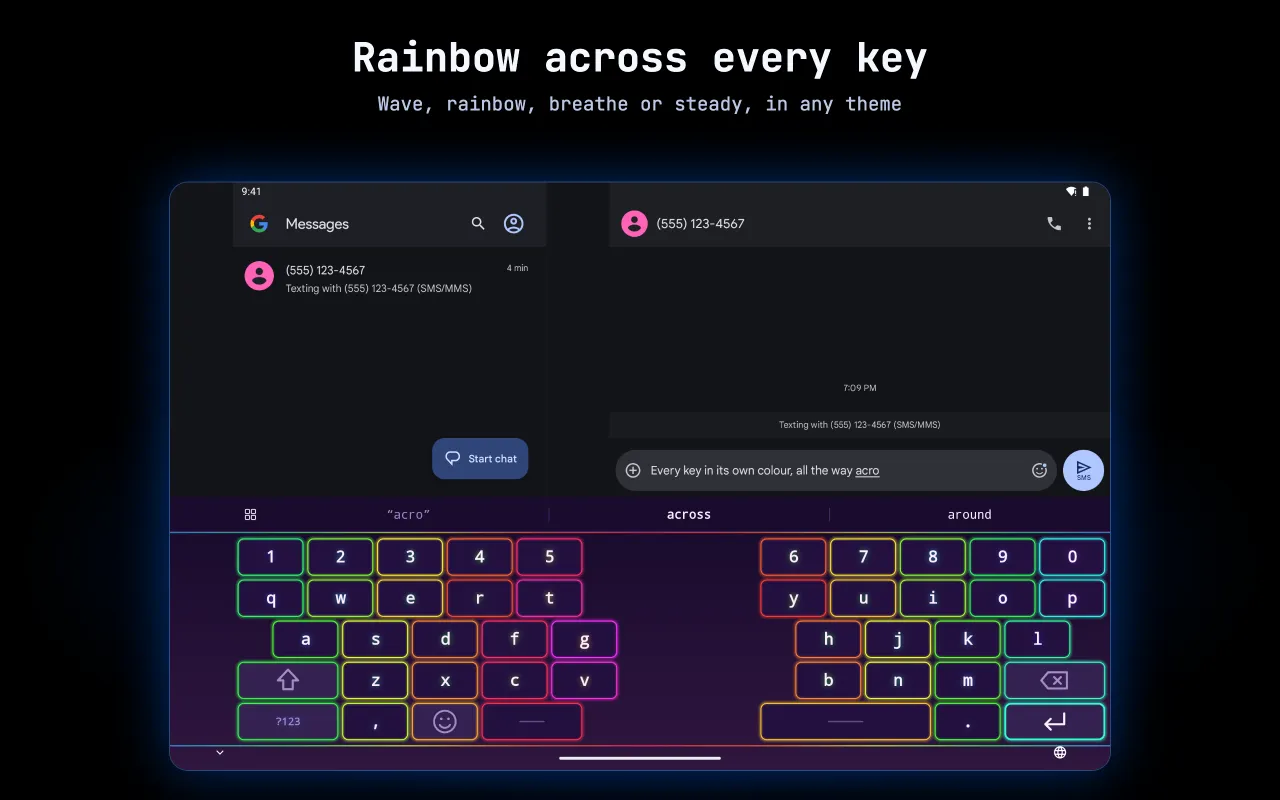
rainbow on a tablet in landscape
quick start
- Install Keyglow from Google Play. It runs on Android 10 or newer.
- Open it. The first screen opens Android's list of keyboards: switch Keyglow on, then come back.
- The second screen opens the keyboard picker: pick Keyglow.
- The third screen opens the keyboard: pick a look and try it. With Hyprtile or Phosphor as your home screen, the keys already wear your theme.
- Turn on the languages you write in, then pick the lighting you like.
guide
Setup, languages, looks and themes, lighting, typing help, glide, panels, your words, keys and privacy.
help
Answers to common questions, fixes for common problems, and how to report a bug.